50 Things You Can Do With Google Classroom
31. Peer Feedback
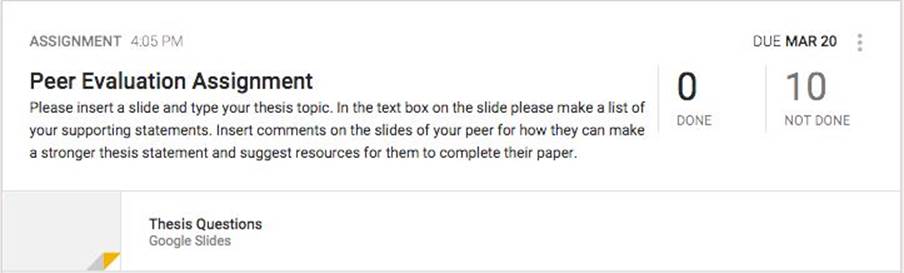
Students can provide feedback to their peers using Google Slides in the Google Classroom. A teacher can create and share a Google Slides presentation with the students using the “Students can edit file” permission setting. Then each student can create a slide with his/her information. The other students can view their work and insert comments on their classmate’s slide to provide feedback.
All materials on the site are licensed Creative Commons Attribution-Sharealike 3.0 Unported CC BY-SA 3.0 & GNU Free Documentation License (GFDL)
If you are the copyright holder of any material contained on our site and intend to remove it, please contact our site administrator for approval.
© 2016-2026 All site design rights belong to S.Y.A.