50 Things You Can Do With Google Classroom
49. Share Student Samples
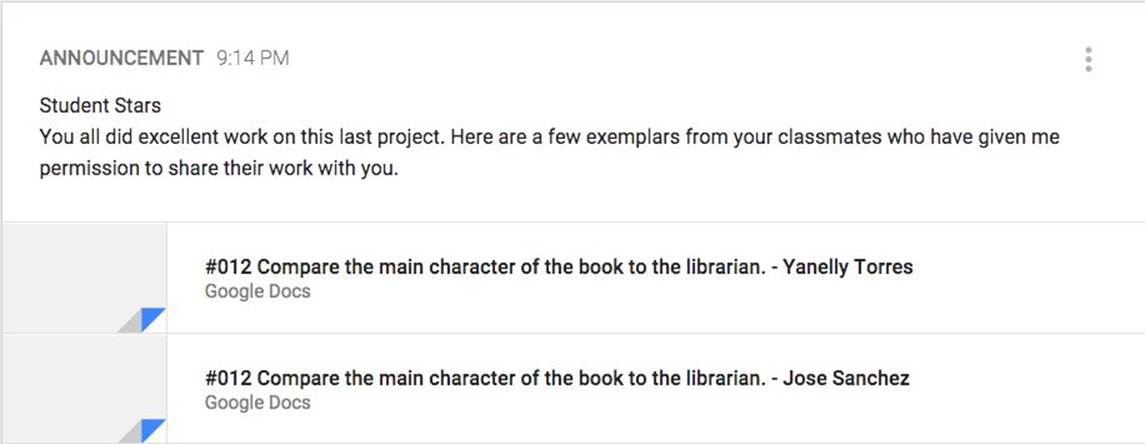
Google Classroom assignments are saved to a Google Drive folder. This provides easy access to student work samples. Teachers can use the Google Drive icon when creating an announcement to find a previous assignment in the Google Classroom folder. Use the Control key to select multiple, student documents at once and share them through an announcement.
All materials on the site are licensed Creative Commons Attribution-Sharealike 3.0 Unported CC BY-SA 3.0 & GNU Free Documentation License (GFDL)
If you are the copyright holder of any material contained on our site and intend to remove it, please contact our site administrator for approval.
© 2016-2026 All site design rights belong to S.Y.A.