How a Computer Works (2015)
27. Sound
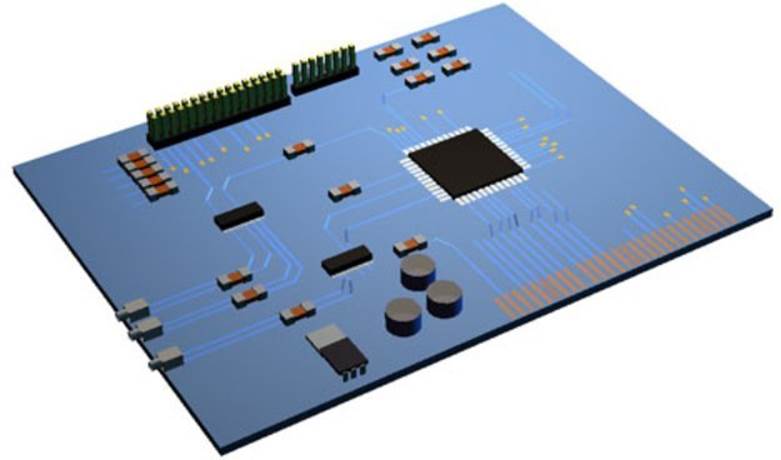
Motherboard
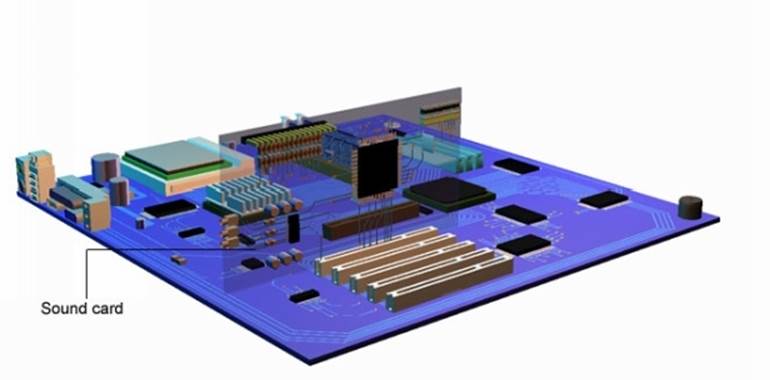
The sound card undertakes three main tasks.
1. Converts sound from an external source i.e. a microphone into digital data.
2. Converts stored sound files in the computer i.e. MP3 files from digital data into sounds.
3. Enables MIDI instruments to connect to the computer. The sound and MIDI card plug into a PCI slot on the motherboard.
Converting Sound
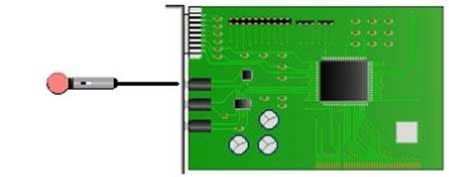
NO analogue signal being read in
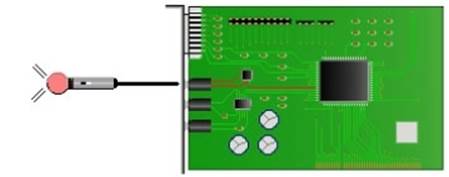
Analogue signal being converted to digital
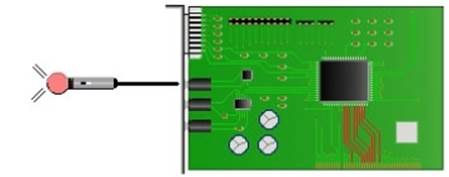
Digital data streaming out of convertor chip
The sound card converts sound from a microphone into digital data that the computer can store on the hard disk or in memory.
Converting Data
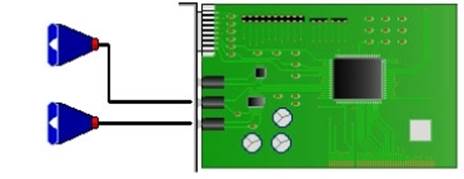
NO Data being read
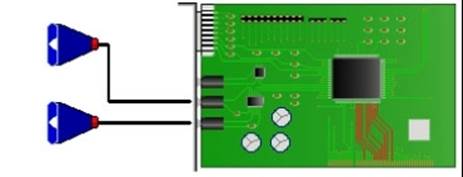
Data being read in
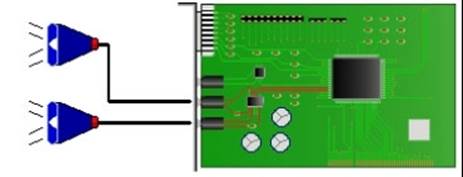
Sound is produced
Sound files such as MP3 stored on the hard disk are converted back by the sound card to analogue signals. This is then fed to external speakers for playback.
Converters
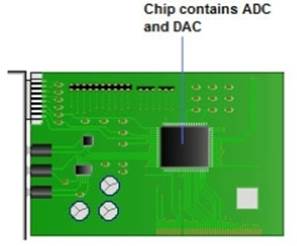
On the sound card is a special chip that contains an analogue to digital converter (ADC), this converts analogue signals into digital data. A digital to analogue converter (DAC) converts digital data signals back to analogue.
Data Signals
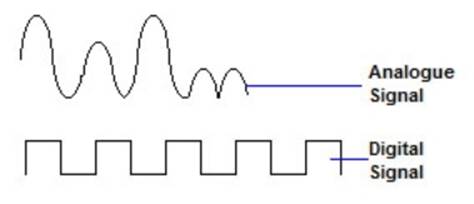
Because the computer cannot process and store analogue signals these have to be converted to digital binary data. The analogue to digital converter does this. The analogue signal is fed into the ADC and converted to binary data that represent the waveform patterns of the analogue signals. This binary data is then stored in the normal way either in memory or on disk for future use.
Analogue Signals
Data being read in
Sound is produced
When the file is ready to be played back the data is placed on the PCI bus to the sound card. The DAC converts the binary data back into the same analogue waveforms, before it was converted. The analogue signal is then fed into the speakers.
All materials on the site are licensed Creative Commons Attribution-Sharealike 3.0 Unported CC BY-SA 3.0 & GNU Free Documentation License (GFDL)
If you are the copyright holder of any material contained on our site and intend to remove it, please contact our site administrator for approval.
© 2016-2026 All site design rights belong to S.Y.A.